


Running Heart Rate Zone Calculator
Calculate running heart rate zones using either the standard Garmin five-zone percentage-of-maximum-heart-rate system or the Joe Friel seven-zone running system based on lactate threshold heart rate.
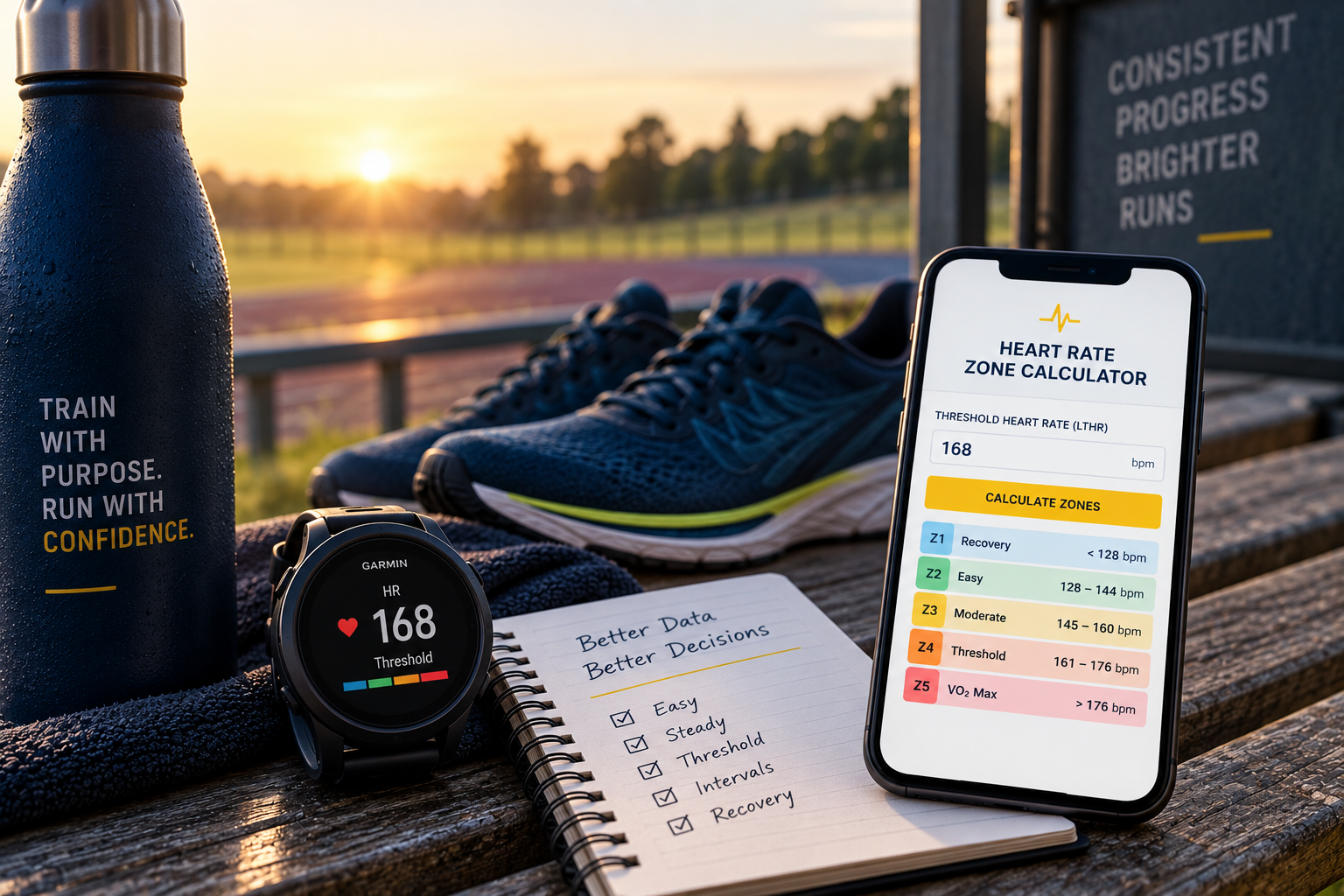
Which Heart Rate Zone System Should You Use?
There is more than one way to calculate heart rate zones. Different systems use different reference points and percentage boundaries, so two calculators can produce different zones without either calculation necessarily being incorrect.
This tool keeps two commonly used approaches separate. The Garmin 5-Zone option uses percentage of maximum heart rate. The Joe Friel 7-Zone option uses running lactate threshold heart rate (LTHR).
Garmin 5 Zones
Garmin publishes a five-zone heart rate system based on percentage of maximum heart rate: 50–60%, 60–70%, 70–80%, 80–90% and 90–100%. If you know your maximum heart rate, this option calculates those five ranges in BPM.
Joe Friel 7 Zones
Joe Friel's running heart rate system uses running lactate threshold heart rate and divides training intensity into seven zones, including Zones 5a, 5b and 5c. TrainingPeaks includes Joe Friel for Running as a seven-zone method.
The 30-Minute Threshold Field Test
If you choose the Joe Friel option, a practical way to estimate running LTHR is the 30-minute field test described by Joe Friel. This test is not required for the Garmin Max HR option.
After an appropriate warm-up, run alone for 30 minutes at the hardest effort you can sustain consistently for the complete test. At 10 minutes, press the lap button on your watch without stopping.
Your average heart rate for the final 20 minutes is used as an approximation of your running LTHR.
Pacing matters. Starting too aggressively and fading significantly can reduce the usefulness of the result. Aim for a hard but sustainable effort across the complete 30 minutes.
Warm Up Properly
Complete an appropriate progressive running warm-up so you are physically prepared for a sustained hard effort.
Run Hard for 30 Minutes
Run alone for 30 minutes at the hardest effort you can sustain consistently for the complete test. Aim for an even effort rather than starting too fast.
Press Lap at 10 Minutes
At 10 minutes, press the lap button without stopping. Continue at your best sustainable effort for the remaining 20 minutes.
Find Your 20-Minute Average
Save your activity and find the 20-minute lap created when you pressed the lap button. Use the average heart rate for that 20-minute lap as your estimated running LTHR.
Using Garmin?
Once the activity has synced to Garmin Connect, open the
completed running activity and view its lap or interval data.
Find the 20-minute lap created during the test and use the
average heart rate shown for that lap.
Heart-rate measurement:
For a test being used to establish your training zones, a
compatible chest-strap heart-rate monitor is recommended where
available. Make sure it is fitted correctly and choose a safe,
suitable route or running track where you can maintain a
consistent effort with minimal interruption.
Important Health & Safety Information
Maximum heart-rate testing and the 30-minute threshold test can involve strenuous exercise and are not suitable for everyone. Do not undertake strenuous exercise testing simply to obtain a heart-rate value if you are not appropriately conditioned for hard running, are currently unwell or are unable to exercise safely. If you have a medical condition, concerning symptoms or have been advised to restrict exercise, seek appropriate medical advice before undertaking strenuous exercise testing. Stop exercising and seek appropriate medical assistance if concerning symptoms occur. This calculator is for general educational and training purposes and is not a medical assessment or diagnosis.
Calculate Your Running Heart Rate Zones
Choose the method you want to use and enter the corresponding heart rate value.
Heart Rate Zones Are a Training Tool
Heart rate zones can help describe and monitor exercise intensity, but they should be interpreted alongside perceived effort, pace where appropriate, the purpose of the session and the wider context of your training.
Different Methods Give Different Results
Garmin's percentage-of-maximum-heart-rate system and Joe Friel's LTHR system use different reference points and different zone boundaries. The results should not be expected to match.
Your Starting Value Matters
Zones calculated from an inaccurate maximum heart rate or threshold heart rate will also be inaccurate. Use the best quality information reasonably available to you.
Heart Rate Can Vary
Heat, terrain, fatigue, hydration, stress, caffeine, illness and normal day-to-day variation can influence your heart-rate response to running.
Short, Hard Efforts
Heart rate takes time to respond when running intensity changes. It can therefore be less useful as an immediate pacing target during short intervals and very hard efforts.
Heart Rate Is Information, Not an Instruction
Your watch can provide useful data, but it cannot understand the complete context of your training. Pace, heart rate, RPE, recovery, training history and how you are responding to the programme all contribute to the bigger picture. Good training is not about chasing a particular heart rate on every run. It is about using the right information to make better training decisions.